Every screenshot, in its place.
SnapRecall automatically organizes your screenshots, so what you need is always close at hand.
Join the beta For macOS 14 and later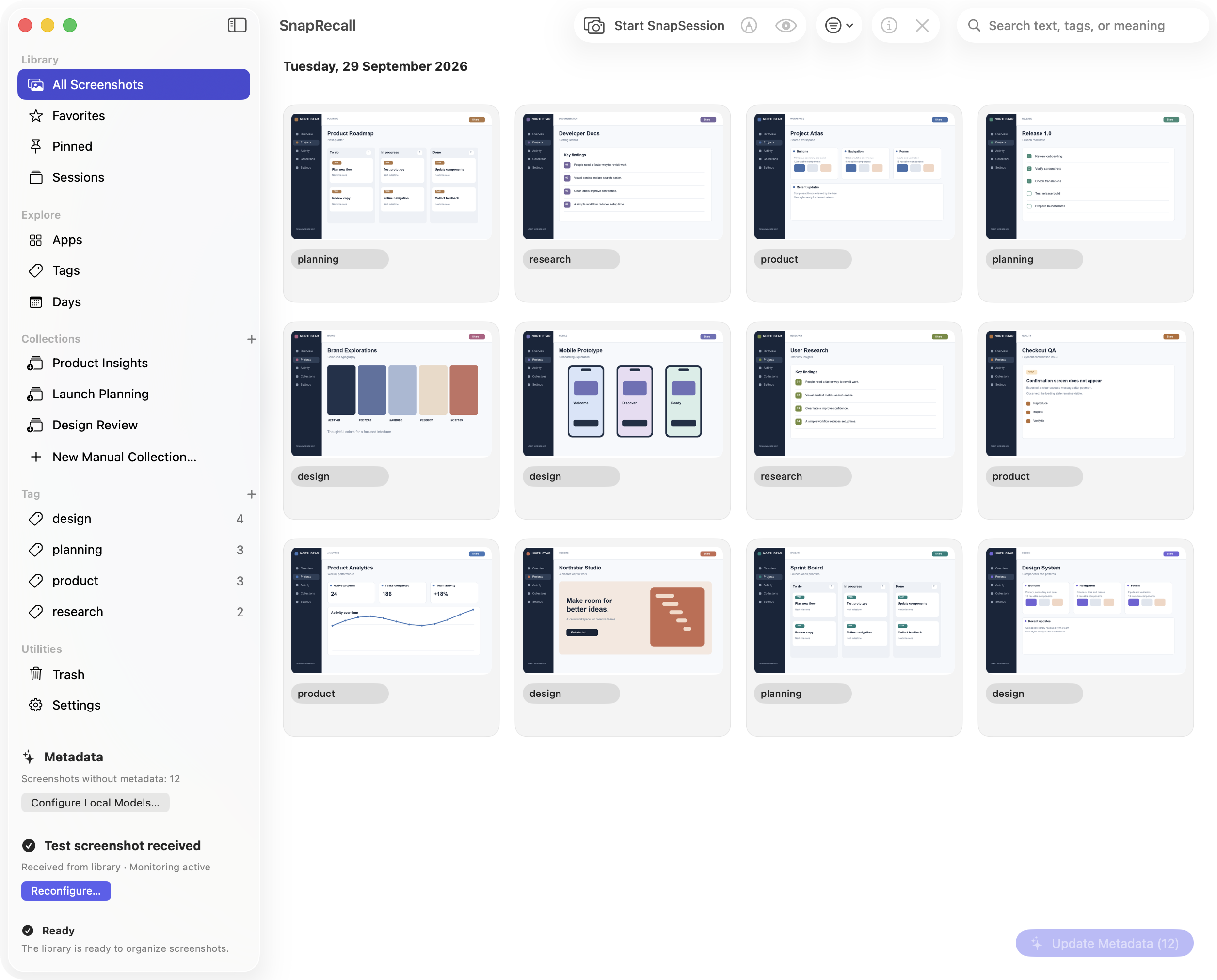
Organized the moment they arrive.
Keep taking screenshots the way you always have. SnapRecall watches the folder you choose and automatically puts new captures in order, while the originals remain yours.
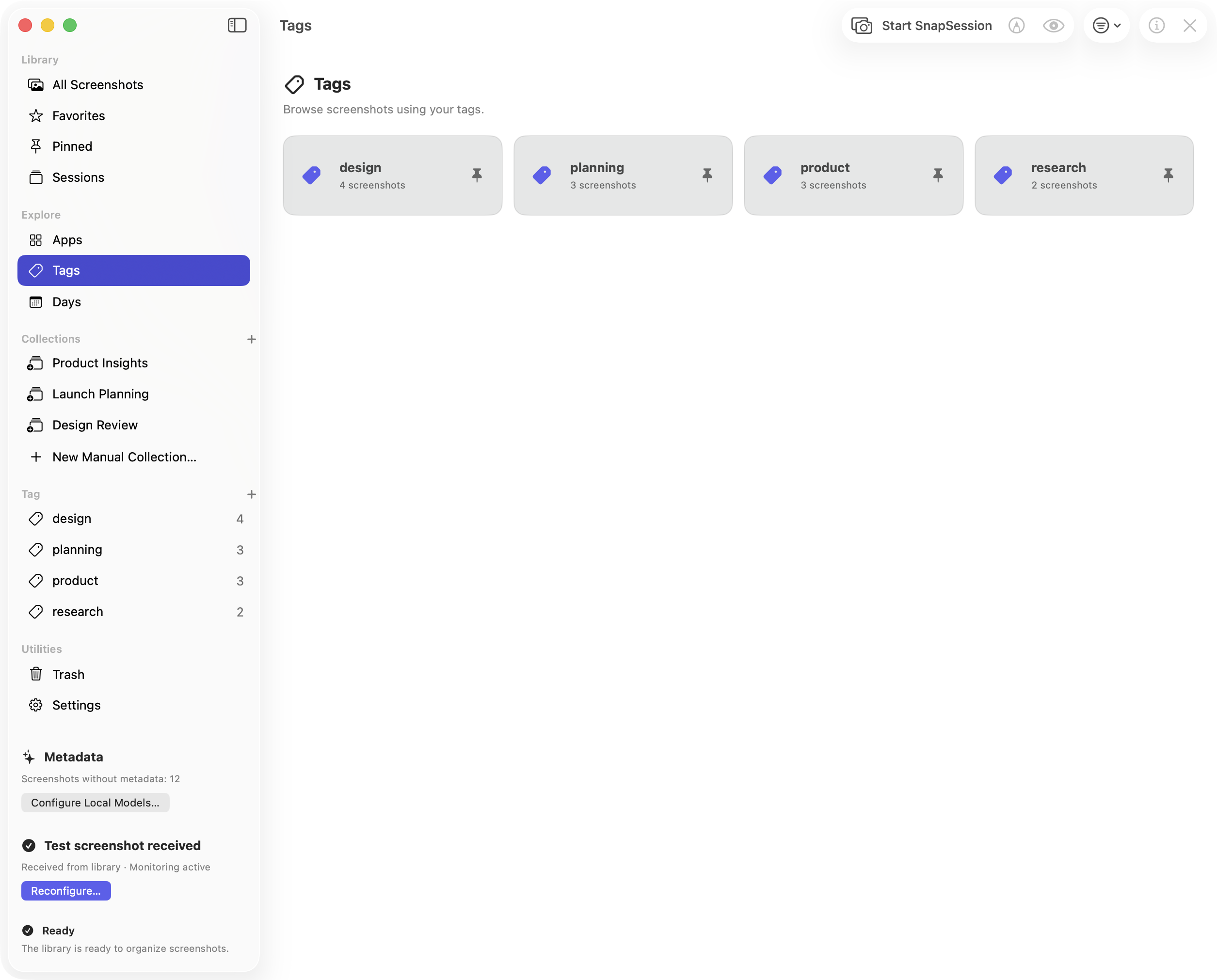
From a thought to the right screenshot.
Search your library, browse by date, and use tags to bring related captures together. The screenshot you need stays within reach.
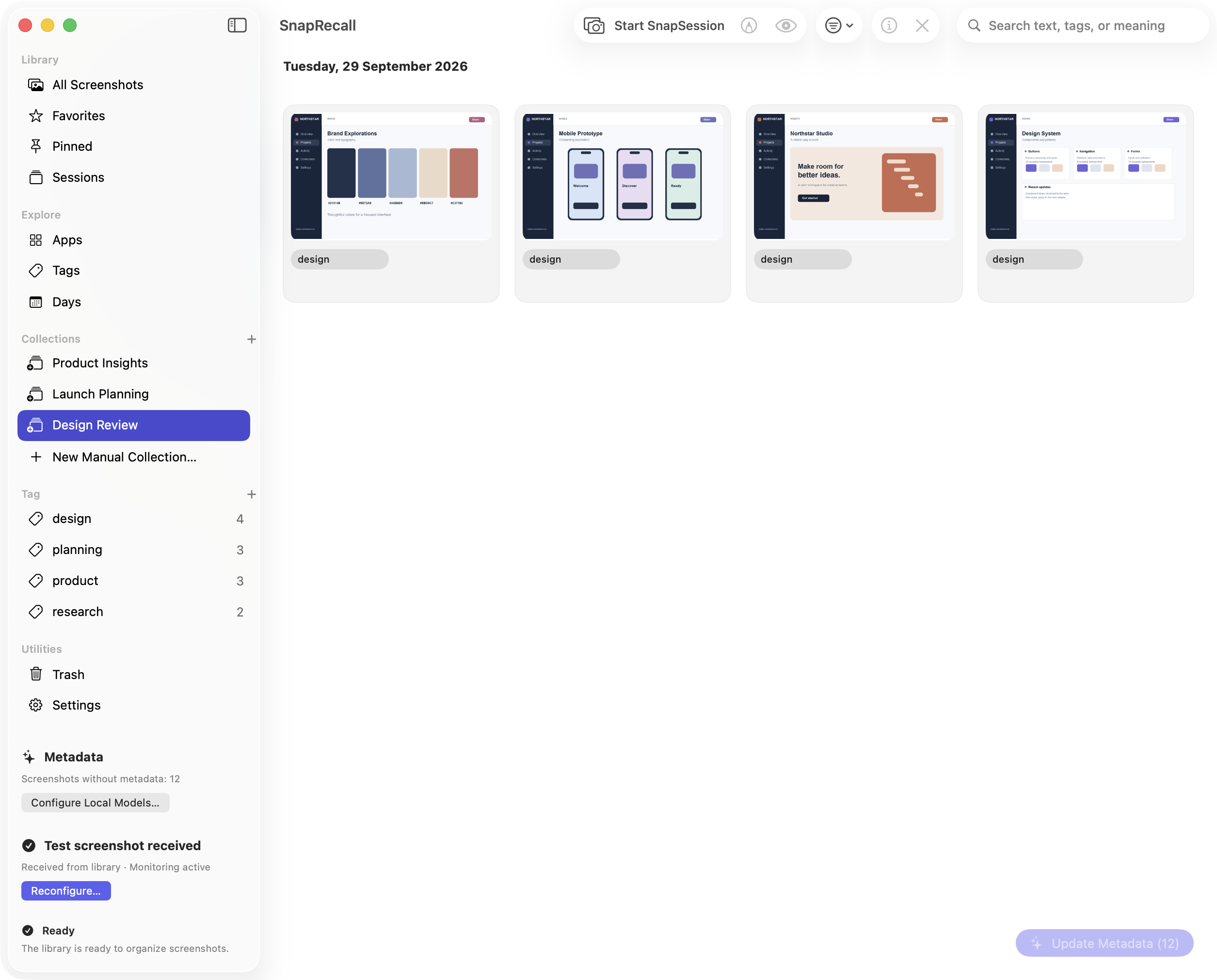
A home for every project.
Group screenshots into collections for the work you care about. Move between ideas, reviews and research without searching through a crowded desktop.
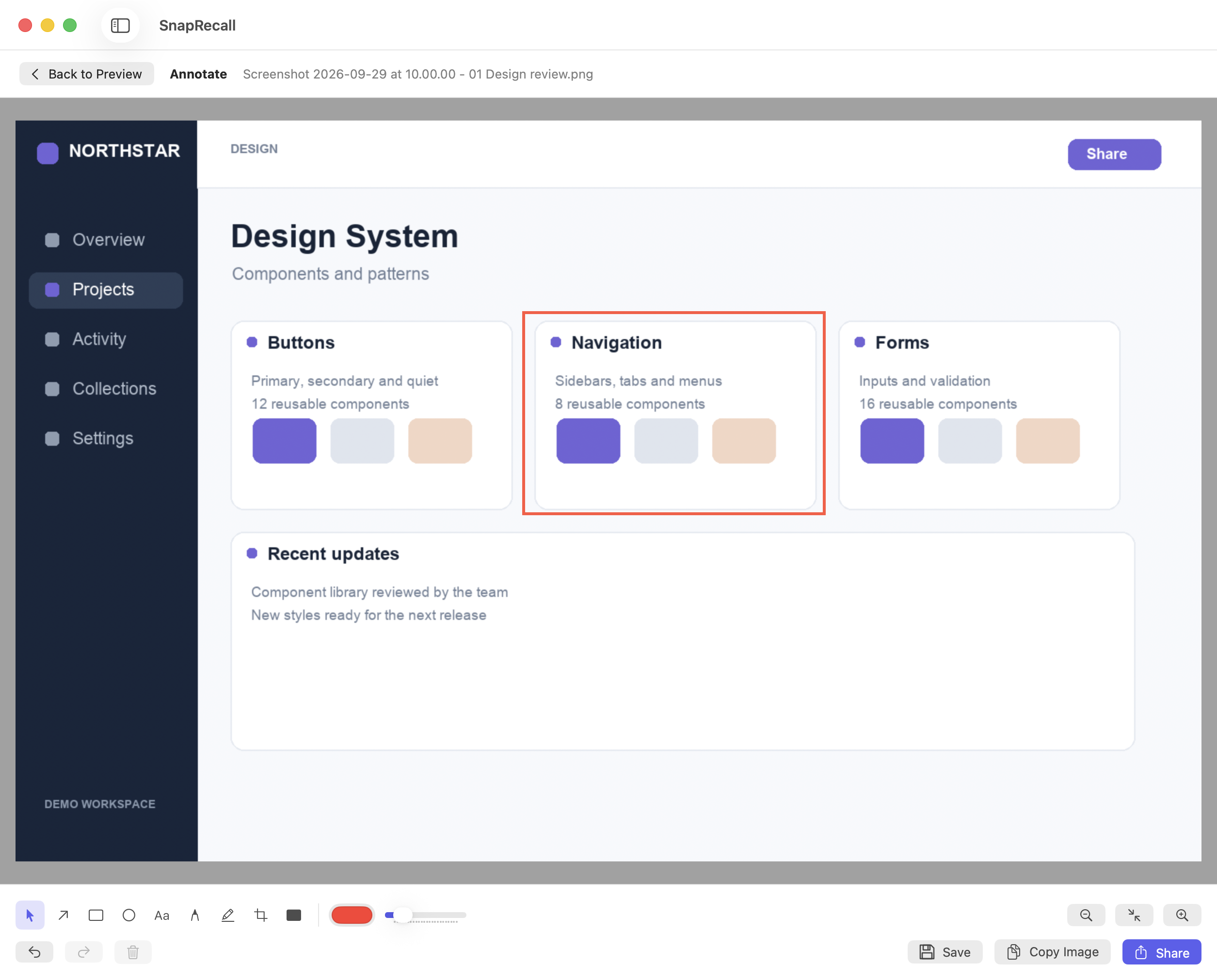
Point to what matters.
Add arrows, shapes, text and highlights right on a screenshot. Share an annotated copy when the detail needs to be clear, while keeping the original intact.
A little more context.
All on your Mac.
Local AI can help describe and tag your screenshots, and make them easier to find by meaning. Models are downloaded to your Mac before analysis; screenshot content is processed on the device.
How SnapRecall handles your dataintelligence
Make space for
everything worth keeping.
Every screenshot has a place. Start finding yours.
Join the beta